SynchroDeck
A downloadable tool for Windows
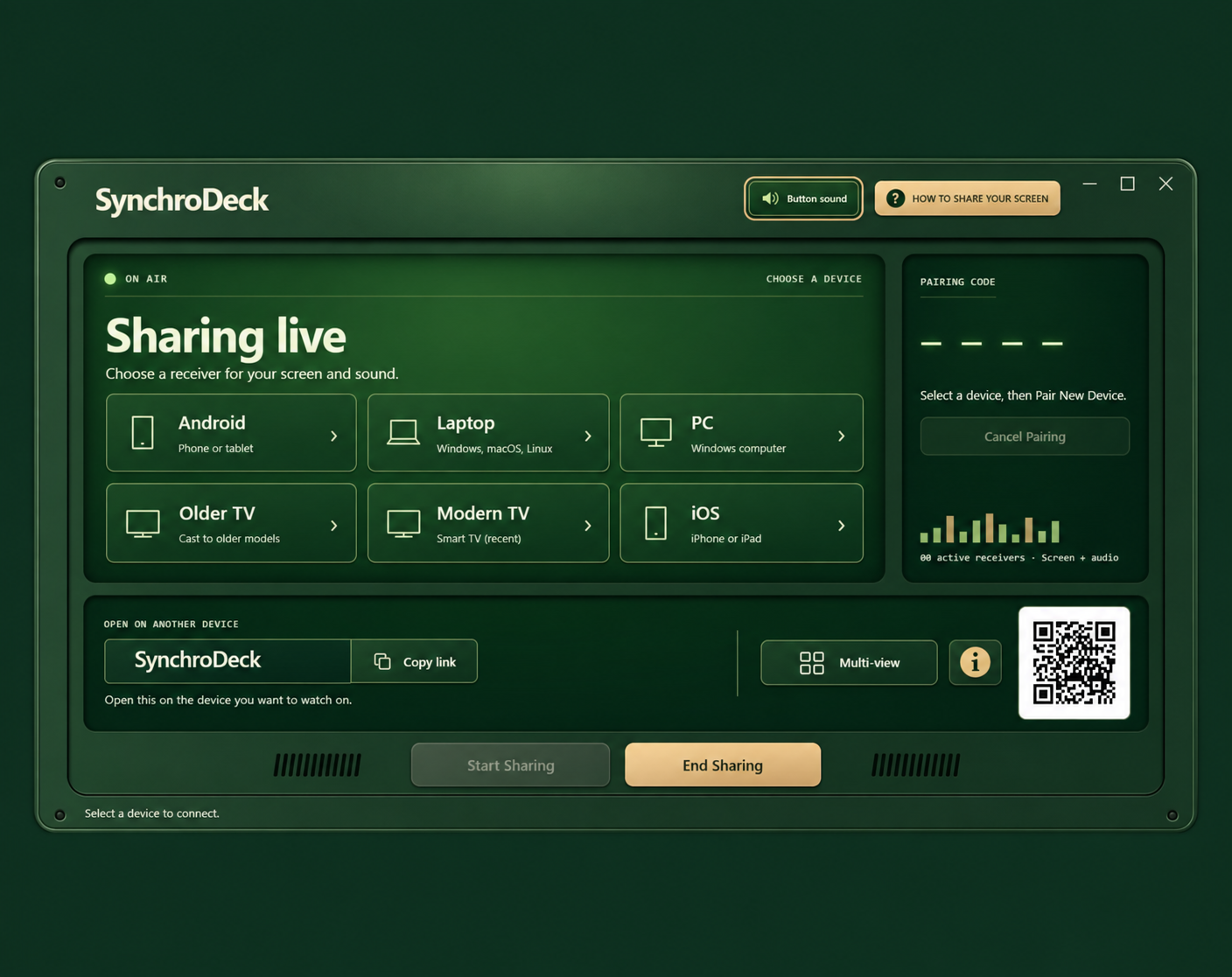
SynchroDeck is a Windows screen-sharing and screen-mirroring app built for simple streaming across your local network.
Your PC can be connected by Ethernet while your TV, phone, laptop or another PC uses Wi-Fi — as long as the devices are on the same local network, SynchroDeck can connect them.
No separate SynchroDeck account is required for normal local-network use.
ONE-TIME PURCHASE — NO SUBSCRIPTION
Buy SynchroDeck once and keep using it.
No monthly fees. No yearly subscription.
WHAT YOU CAN DO
• Share your Windows screen and system audio
• Cast or mirror your PC to compatible TVs
• Connect Ethernet and Wi-Fi devices on the same local network
• Watch through a web browser without installing receiver software
• Connect Windows PCs, laptops, Android devices and compatible TVs
• Stream at resolutions up to 4K on supported hardware
• Stream above 60 FPS on supported hardware and receiving devices
• Adjust quality and frame rate per device
• Use hardware-accelerated encoding when available
• Automatic encoder fallback when needed
• Connect using a QR code, pairing code or receiver link
MULTI-VIEW
SynchroDeck can display multiple paired sources at the same time.
Windows Multi-view lets you keep several streams visible in one place.
Gaming Multi-view lets you open streams as separate floating Picture-in-Picture-style windows, resize them and arrange them around your monitor.
This can be useful for gaming sessions, monitoring another computer, keeping another device visible while you work, or watching several sources at once.
TV SUPPORT
Modern compatible TVs can use the normal receiver experience.
For supported older TVs, SynchroDeck also includes a DLNA fallback.
This means your gaming PC can stay connected by Ethernet while your TV remains on Wi-Fi — you do not need to change your existing network setup just to share your screen.
BROWSER RECEIVER
A compatible browser can act as a receiver without installing additional receiver software.
SynchroDeck is designed around local-network streaming: simple connection, multiple device types, screen + system audio, and no recurring subscription.
Purchase
In order to download this tool you must purchase it at or above the minimum price of $9.99 USD. You will get access to the following files:
Also available on

Leave a comment
Log in with itch.io to leave a comment.